
Context.dev lets you automatically brand and ground an AI email agent from a work email, domain, or URL. It gives the agent live company information, logos, colors, fonts, product details, and website content before the agent writes, while your email platform remains responsible for contacts, consent, journeys, and delivery.
Pair that context layer with Sequenzy for agent-native lifecycle workflows, Resend for developer-owned delivery, Customer.io for event-driven journeys, Klaviyo for ecommerce, or HubSpot for CRM-led teams. These are some of the best email marketing tools for AI agents in 2026, but the right choice depends on what you want the agent to do and what it needs to know.
Most comparisons focus on template libraries, contact limits, and monthly prices. A context-aware agent introduces two more important questions:
- Can the agent understand the company well enough to produce a relevant email?
- Can it use the email platform without being handed an unrestricted send button?
An email platform can answer the second question with scoped credentials, draft states, suppression handling, delivery events, and approval controls. Context.dev answers the first by turning the public web into structured context the agent can actually use.
This guide compares 17 email platforms as execution layers for context-aware agents. It also shows how to connect any of them to Context.dev so the resulting onboarding, lifecycle, and campaign emails reflect the recipient's real company, product, and brand instead of generic model guesses.
The short version
- Best way to automatically brand and ground an email agent: Context.dev
- Best overall for agent-operated lifecycle email: Sequenzy
- Best official MCP for developer-owned email infrastructure: Resend
- Best for event-driven customer journeys: Customer.io
- Best for simple SaaS lifecycle email: Loops
- Best for ecommerce personalization: Klaviyo
- Best for enterprise cross-channel orchestration: Braze
- Best for enterprise experimentation: Iterable
- Best when CRM governance comes first: HubSpot
- Best established SMB ecosystem: Mailchimp
- Best for automation plus sales CRM: ActiveCampaign
- Best value-oriented multichannel suite: Brevo
- Best lightweight visual campaign workflow: MailerLite
- Best for creator businesses: Kit
- Best for newsletter publishers: beehiiv
- Best for separating transactional and broadcast traffic: Postmark
- Best for high-volume API plus campaign tooling: Twilio SendGrid
- Best for teams building the entire control plane themselves: Amazon SES
Email platforms deliver messages. Context.dev grounds them.
Email platforms are good at internal state. They know when someone signed up, which plan they use, what events they triggered, which segment they belong to, and whether they opened the last message.
They usually do not know what a recipient's company sells, how it describes its product, which audience it serves, what its visual identity looks like, or what changed on its website last week. Asking a model to fill those gaps from memory creates polished but generic emails at best and invented claims at worst.
Context.dev gives the agent that missing external context through one API:
- Brand and company intelligence: Resolve a work email or domain into a company profile with descriptions, industries, logos, colors, fonts, social profiles, addresses, and useful page links.
- Web scraping and crawling: Turn a live page or entire website into clean, LLM-ready Markdown without maintaining browsers, parsers, proxies, or anti-bot infrastructure.
- Structured extraction: Retrieve the exact product, pricing, audience, use-case, testimonial, or positioning fields your workflow needs as schema-validated data.
- Visual context: Pull screenshots, images, fonts, and style-guide data so the agent can produce email creative that looks like the company as well as sounding relevant to it.
- Website monitoring: Refresh context or trigger a review when an important page, sitemap, or structured value changes.
This is what it means to automatically brand an agent: a user supplies a work email or website, Context.dev builds the approved company and visual profile, and every downstream draft starts with that profile instead of a blank prompt.
For example, a generic onboarding agent might write, “Invite your team and explore the dashboard.” A grounded agent can recognize that the new account belongs to an ecommerce retention agency, use the company's actual colors and logo in the template, and explain the first feature through a relevant client-workflow example.
Context.dev does not replace the email platform. It supplies the context before generation; the email tool handles the controlled execution after it.
The cleanest architecture separates three responsibilities:
- Context layer: Context.dev resolves the company and returns an allowlisted set of current brand, product, and website facts.
- Decision layer: The AI agent uses those facts to draft content and propose an audience or journey action.
- Execution layer: The email platform applies permissions, consent, suppressions, schedules, rate limits, and delivery reporting.
Keeping the layers separate lets you change email providers without rebuilding the context pipeline. It also keeps the model away from unrestricted delivery credentials.
What a context-aware AI email stack needs
Built-in AI copy generation is not enough. A useful agent needs a reliable way to ingest external context, and a safe way to turn its decisions into email-platform actions. The highest-risk actions remain selecting recipients, changing consent state, activating journeys, bypassing suppressions, and sending at scale.
We evaluated each tool against eight practical criteria:
- Context portability: Can structured company, product, and visual data be stored on profiles or passed into events, templates, and journeys?
- Structured control surface: Does the platform expose a documented API, SDK, CLI, MCP server, or reliable webhook model?
- Draft/send separation: Can an agent prepare work without immediately delivering it?
- Scoped authority: Can credentials or roles limit the agent to the smallest useful set of actions?
- Consent and suppression safety: Does the platform maintain unsubscribes, bounces, and complaints as first-class state?
- Retry safety: Can your integration avoid duplicate sends when a job or agent retries?
- Observability: Can delivery, bounce, complaint, unsubscribe, and campaign state flow back into your system?
- Testing and rollback: Can you test, pause, cancel, or inspect before affecting a live audience?
No vendor eliminates the need for your own context validation and policy layers. The strongest tools make both layers easier to build.
Comparison: the best email marketing tools for context-aware AI agents
| Tool | Best for | Agent control surface | Recommended automation boundary |
|---|---|---|---|
| Sequenzy | Agent-operated lifecycle marketing | MCP, API, CLI, skills | Let agents enrich, draft, and inspect; require explicit authority for live sends |
| Resend | Developer-owned sending workflows | Official MCP, REST API, SDKs, CLI, webhooks | Let agents manage drafts and infrastructure; gate broadcasts and live delivery |
| ActiveCampaign | Automation plus CRM | Official MCP, API, webhooks | Allow reads and draft-like setup; gate enrollment and campaign activation |
| Customer.io | Event-driven journeys | Track API, App API, webhooks | Let trusted product events trigger approved journeys; gate broadcast changes |
| Loops | SaaS lifecycle email | API, SDK, webhooks | Sync enrichment fields automatically; review workflow and campaign activation |
| Klaviyo | Ecommerce lifecycle marketing | Campaign, flow, profile, event, and reporting APIs | Let agents analyze and prepare; gate send jobs and flow activation |
| Braze | Enterprise cross-channel journeys | REST API, Canvas, Currents, Connected Content | Keep agent changes staged and reviewed; precompute enrichment before send time |
| Iterable | Enterprise lifecycle experimentation | API, journeys, webhooks, analytics | Treat journey tests as live-capable and use dedicated test users |
| HubSpot | CRM-led marketing governance | Marketing Email API, CRM APIs, workflows | Create/update assets automatically; control publish and workflow enrollment |
| Mailchimp | Established SMB marketing stack | Marketing API, events, batches, webhooks | Create and populate saved campaigns; require approval before schedule/send |
| Brevo | Affordable multichannel automation | Marketing and transactional APIs, webhooks | Separate marketing campaigns from transactional calls; gate bulk delivery |
| MailerLite | Lightweight visual campaigns | Campaign, subscriber, automation, and webhook APIs | Draft and enrich automatically; schedule or send only after review |
| Kit | Creator products and audiences | API v4, broadcasts, tags, custom fields | Automate tagging and context sync; keep broadcast sends human-approved |
| beehiiv | Newsletter publishing and growth | Publication and subscription APIs, webhooks | Use agents for research, enrichment, and draft prep; keep publishing controlled |
| Postmark | Transactional/broadcast separation | REST API, message streams, templates, webhooks | Allow transactional templates and test sends; gate broadcast streams |
| Twilio SendGrid | High-volume API and marketing campaigns | REST API, SDKs, templates, webhooks | Block suppression-bypass options from agent-controlled payloads |
| Amazon SES | Custom email infrastructure | AWS APIs, IAM, configuration sets, event destinations | Give agents no direct production send permission; expose a narrow internal tool |
1. Sequenzy: best overall for agent-operated lifecycle marketing
Sequenzy is the most direct fit when the AI agent is expected to do more than generate copy. Its MCP integration lets compatible agents work with subscribers, segments, campaigns, sequences, analytics, transactional templates, landing pages, and webhooks.
The important detail is its authority model. Safer agent access is designed to let an agent inspect data and draft content without automatically gaining permission for live delivery, destructive deletes, team changes, or key creation. Campaign creation also defaults to a draft, while delivery actions remain explicit.
What to watch: An MCP surface can be powerful enough to send, delete, and administer when configured for full access. Use the safer preset or custom scopes, and reserve full access for short-lived, supervised tasks.
2. Resend: best official MCP for developer-owned email infrastructure

Resend is a strong choice for teams that want modern developer tooling and prefer to own their application logic. Its official MCP server exposes email, contacts, broadcasts, domains, webhooks, segments, topics, contact properties, API keys, and inbound email. Resend also provides a REST API, SDKs, a CLI, and webhook events.
That surface is excellent for agents, but it is closer to infrastructure than a fully governed lifecycle workspace. If you expose the raw send-email tool, the agent can potentially skip the review step your marketing team assumes exists.
What to watch: Put a policy-aware wrapper in front of delivery. Your internal tool should validate template IDs, recipient eligibility, idempotency keys, and allowed sender domains before it calls Resend.
3. ActiveCampaign: best for automation plus CRM
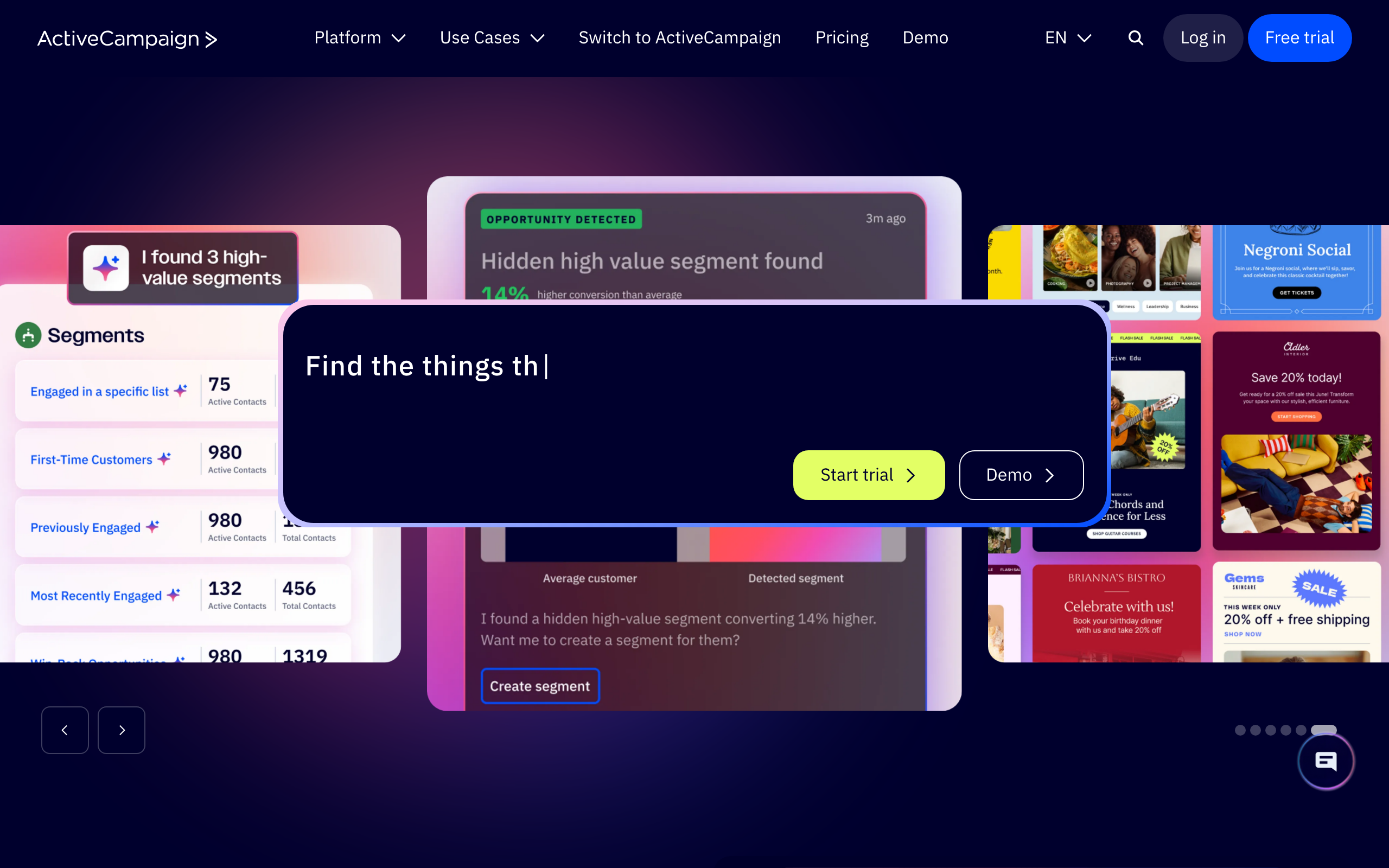
ActiveCampaign combines contact data, sales CRM, campaigns, and automations. It now documents an MCP tool surface alongside its REST API and webhooks, giving agents a direct way to inspect contacts and automations or add a contact to an automation.
This makes ActiveCampaign more agent-accessible than many established marketing suites. It is especially useful when onboarding needs to coordinate marketing email with sales ownership, account state, or pipeline activity.
What to watch: “Add contact to automation” is a delivery-adjacent action. Treat it like sending: preview the contact, automation, current enrollment, and expected messages before approving the mutation.
4. Customer.io: best for event-driven customer journeys
Customer.io works well when product events are the source of truth. Its Track API updates people and events, while the App API manages and triggers newsletters, broadcasts, and transactional messages. Journeys can branch on attributes and behavior, which is useful for onboarding that adapts as a user completes or ignores key product actions.
Customer.io's own documentation makes a useful safety distinction: its transactional API has specific guardrails and is optimized for expected one-to-one messages, while campaign-based transactional workflows are more flexible but require the operator to manage the additional compliance risk. API-triggered broadcasts are the appropriate bulk mechanism.
What to watch: Do not let an agent reinterpret a marketing message as “transactional” to bypass opt-outs. Classify message purpose in code, not in a model prompt.
5. Loops: best for simple SaaS lifecycle email
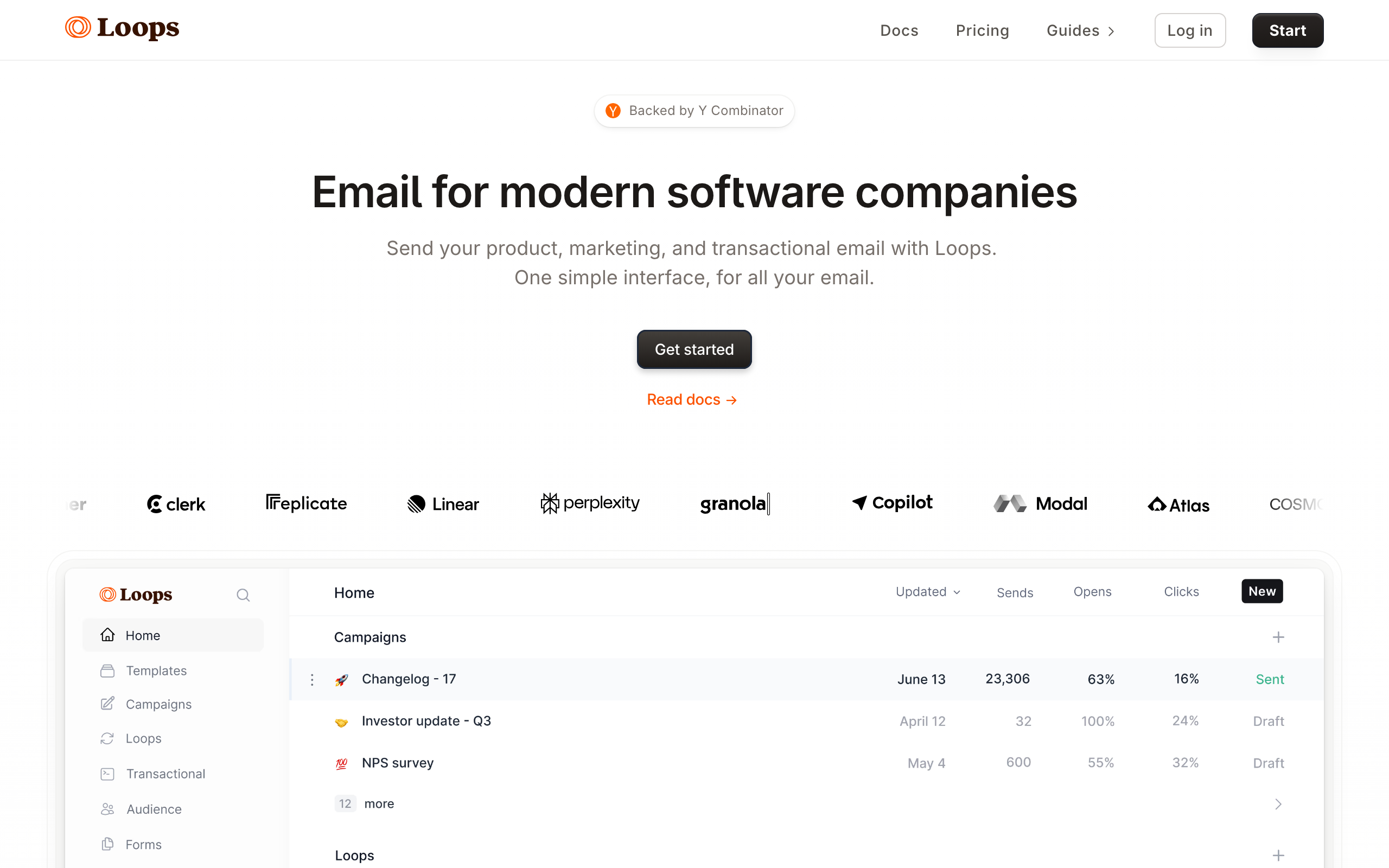
Loops is designed around SaaS marketing and transactional email. Its email API, JavaScript/TypeScript SDK, contact properties, event-driven loops, transactional templates, and webhooks cover the core lifecycle surface without the operational weight of a large enterprise suite.
That smaller model is helpful for agents. Fewer overlapping concepts mean fewer opportunities to confuse a campaign, workflow, and transactional send.
What to watch: Loops gives you clean APIs, but your application still owns the approval boundary. Keep workflow creation and activation separate from routine event ingestion.
6. Klaviyo: best for ecommerce personalization
Klaviyo makes the most sense when catalog, order, browsing, and customer profile data drive the journey. Its APIs cover profiles, events, catalogs, flows, campaigns, templates, and reporting. The Campaigns API explicitly separates campaign resources from the jobs that estimate recipients or initiate delivery.
That separation is useful in an agent workflow: an agent can analyze, create, and update campaign assets before a different privileged action starts a send job.
What to watch: Ecommerce profiles can contain sensitive behavioral and purchase data. Minimize the profile fields passed to the model and never use enrichment as a substitute for consent.
7. Braze: best for enterprise cross-channel orchestration
Braze is built for sophisticated cross-channel programs. Canvas handles journeys, the REST API exposes campaign and Canvas operations, and Currents provides granular engagement streams. Braze can also use Connected Content to pull external API data into messages.
Avoid live enrichment lookups during message rendering. Brand or web extraction can involve cold-path latency, and sending should not depend on an external request succeeding in real time. Prefetch and cache the selected fields before the user enters the Canvas, with generic content as a fallback.
What to watch: Enterprise journey graphs can affect multiple channels and large audiences. Require change review, test profiles, and staged rollout rather than letting an agent modify a live Canvas directly.
8. Iterable: best for enterprise lifecycle experimentation
Iterable supports blast campaigns, API-triggered campaigns, and journeys across channels. Triggered campaigns can be launched by API or from a journey, and features such as Send Time Optimization use engagement history to select per-recipient delivery times.
Consider Iterable when the agent's job is to propose variants, analyze results, and refine journey content inside a mature experimentation program.
What to watch: Iterable notes that journey tests can execute real actions, including sends and user updates. Use isolated test users and projects; do not assume “test” means sandbox.
9. HubSpot: best when CRM governance comes first
HubSpot makes sense when email decisions must stay attached to CRM ownership, lifecycle stage, deals, and marketing operations. Its Marketing Email API can create, update, retrieve, publish, and inspect marketing email data, with plan-dependent limits around publishing and transactional delivery.
HubSpot's strength is organizational context: the agent can work with the same company and contact records the rest of the go-to-market team uses.
What to watch: CRM write access is broader than email access. Do not give an email agent unrestricted permission to overwrite lifecycle stages, owners, consent fields, or deal state.
10. Mailchimp: best established SMB ecosystem
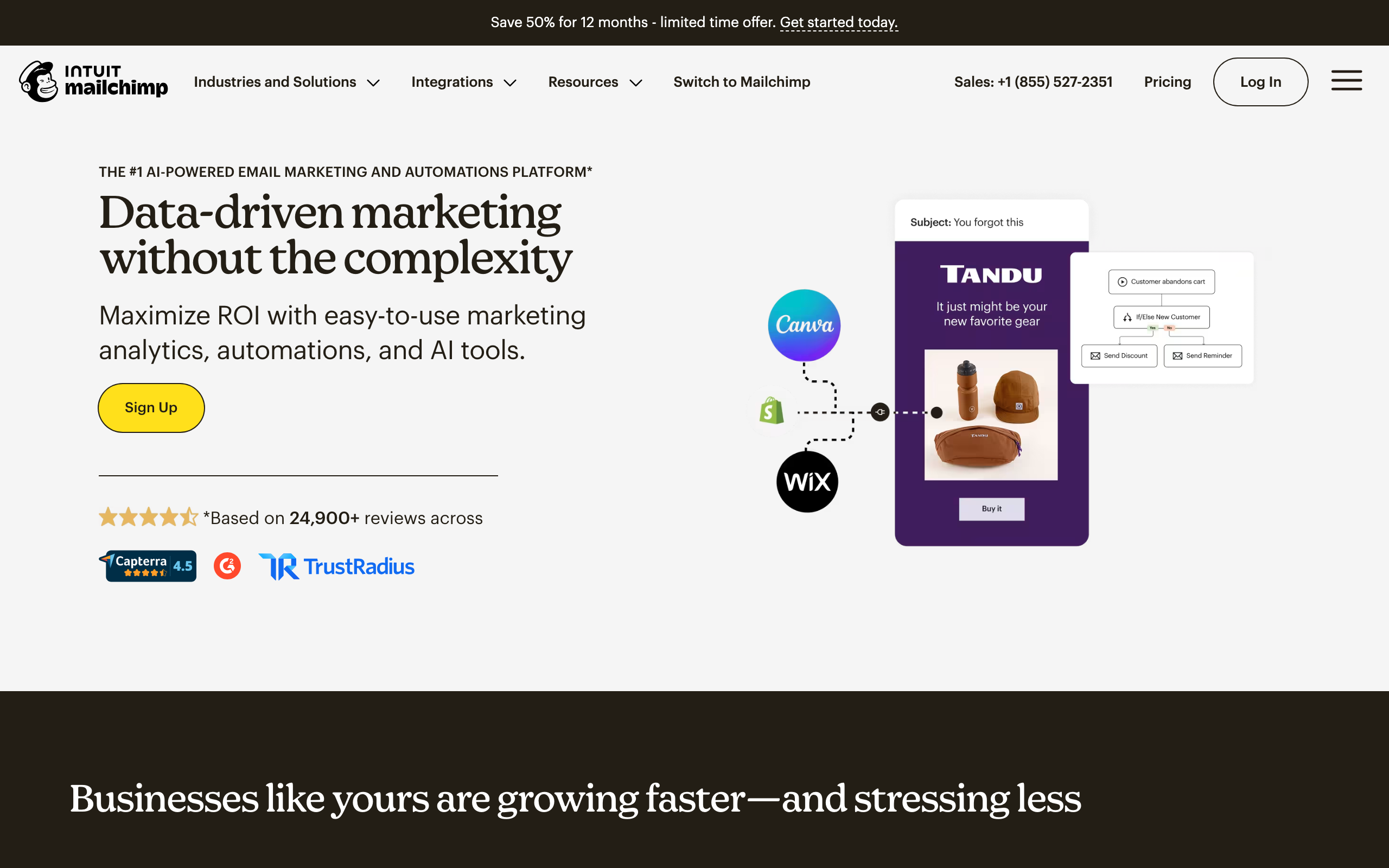
Mailchimp remains a practical choice for small and midsize teams with an existing audience, template library, and integration ecosystem. Its Marketing API manages audiences, tags, events, automations, campaigns, batch operations, and webhooks. Campaign resources have distinct states such as saved, scheduled, sending, and sent.
Mailchimp is not the most agent-native platform in this roundup, but its mature API makes a conservative draft-first integration possible.
What to watch: Mailchimp's audience model has accumulated legacy concepts and endpoint conventions. Build a typed adapter instead of letting a general-purpose agent construct arbitrary API requests.
11. Brevo: best value-oriented multichannel suite
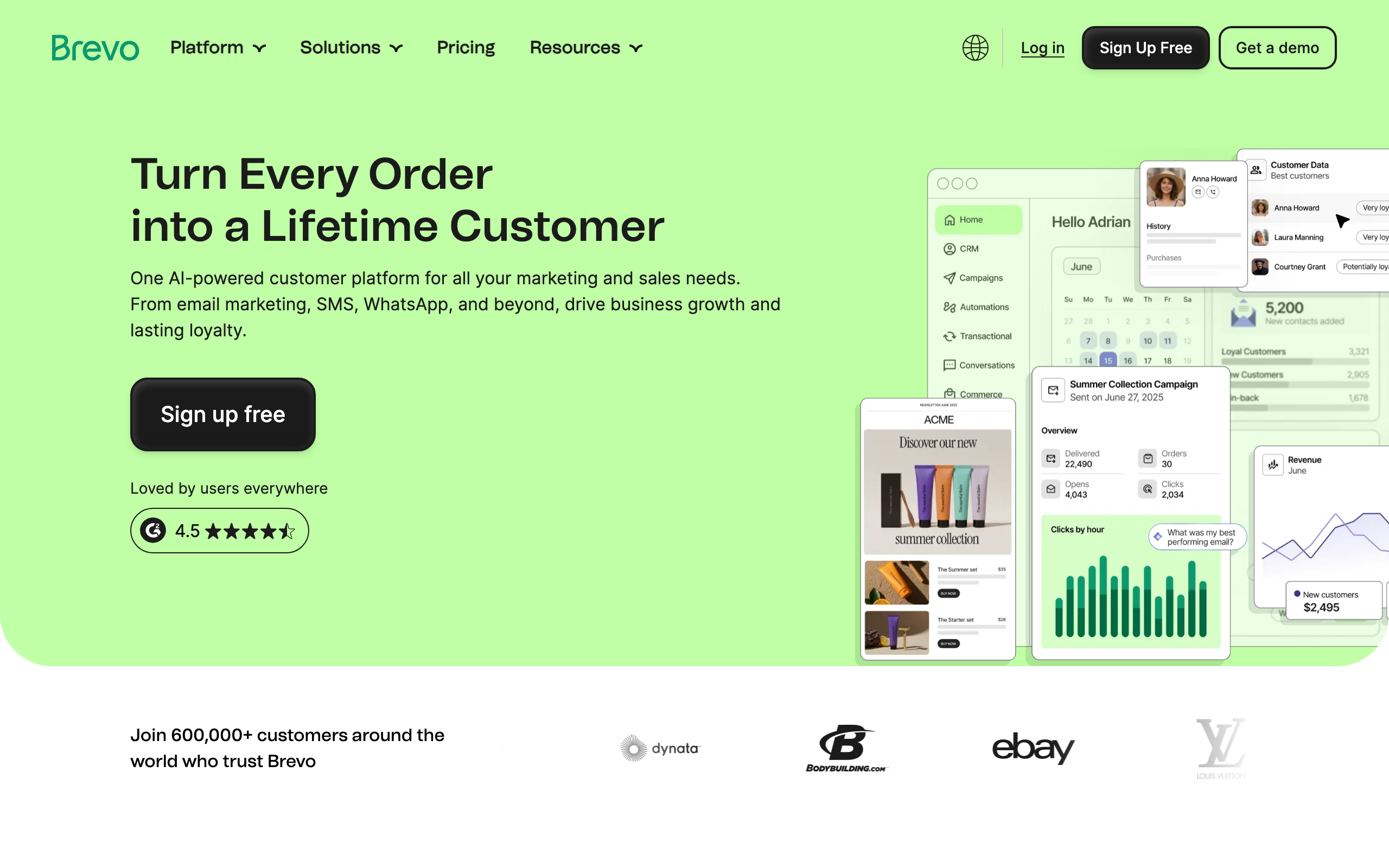
Brevo combines marketing campaigns, transactional email, SMS, contacts, segments, and automation. Its APIs can create campaigns, send transactional templates, manage contacts, and register marketing or transactional webhooks.
Brevo works well when a smaller team wants one operational platform but still needs enough API coverage for a custom agent workflow.
What to watch: Transactional and marketing calls can look similar from an orchestration layer. Expose separate internal tools with different authorization and consent rules.
12. MailerLite: best lightweight visual campaign workflow
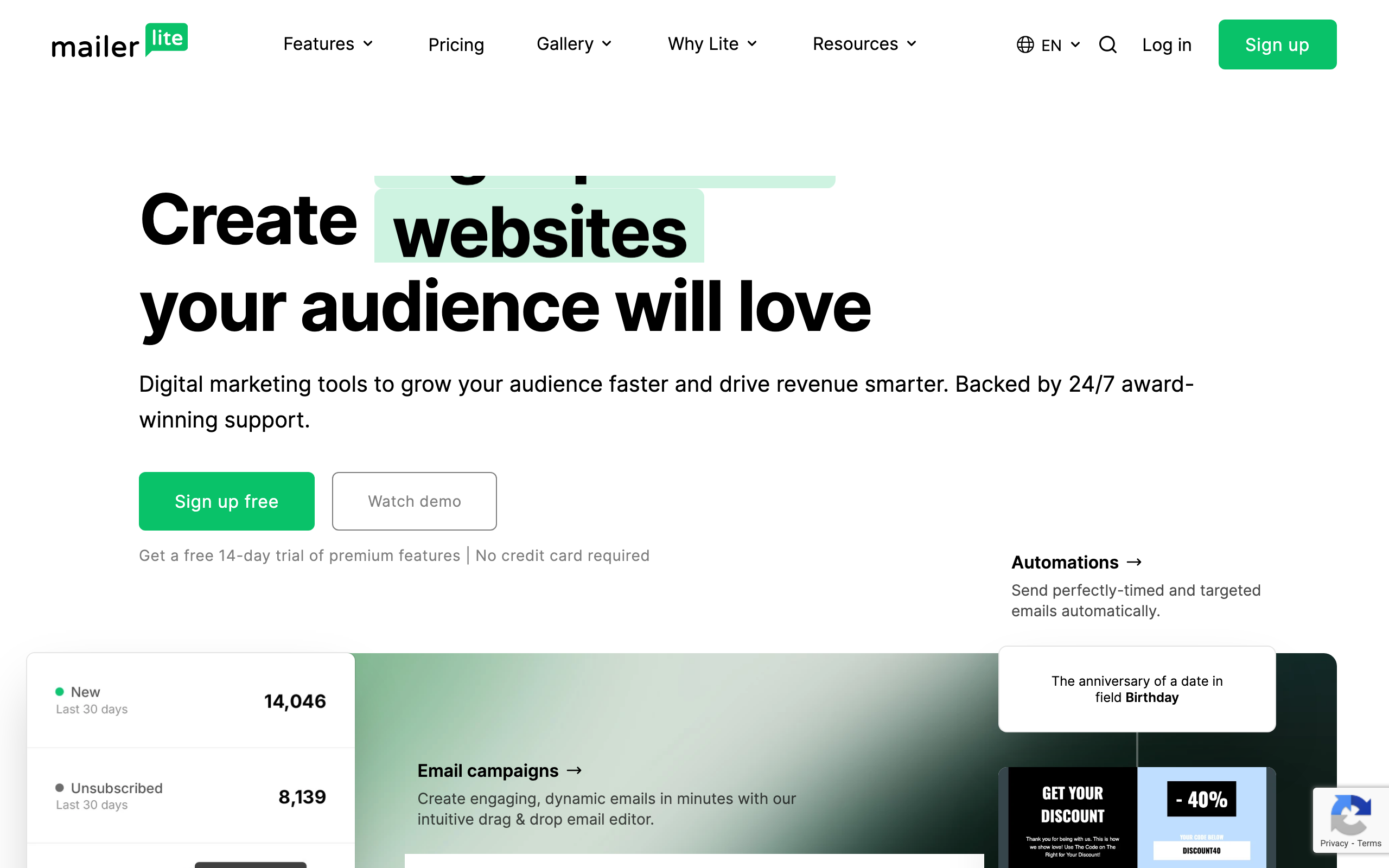
MailerLite combines a visual campaign builder with subscribers, groups, segments, automations, forms, and landing pages. Its Campaigns API can draft, schedule, send, cancel, and report on campaigns, while webhooks report subscriber and campaign changes.
It is a sensible option when the agent prepares content and enrichment but a nontechnical operator owns the final visual review.
What to watch: Because the same campaign API can move from draft to delivery, keep schedule and send methods out of the agent's default tool set.
13. Kit: best for creator businesses
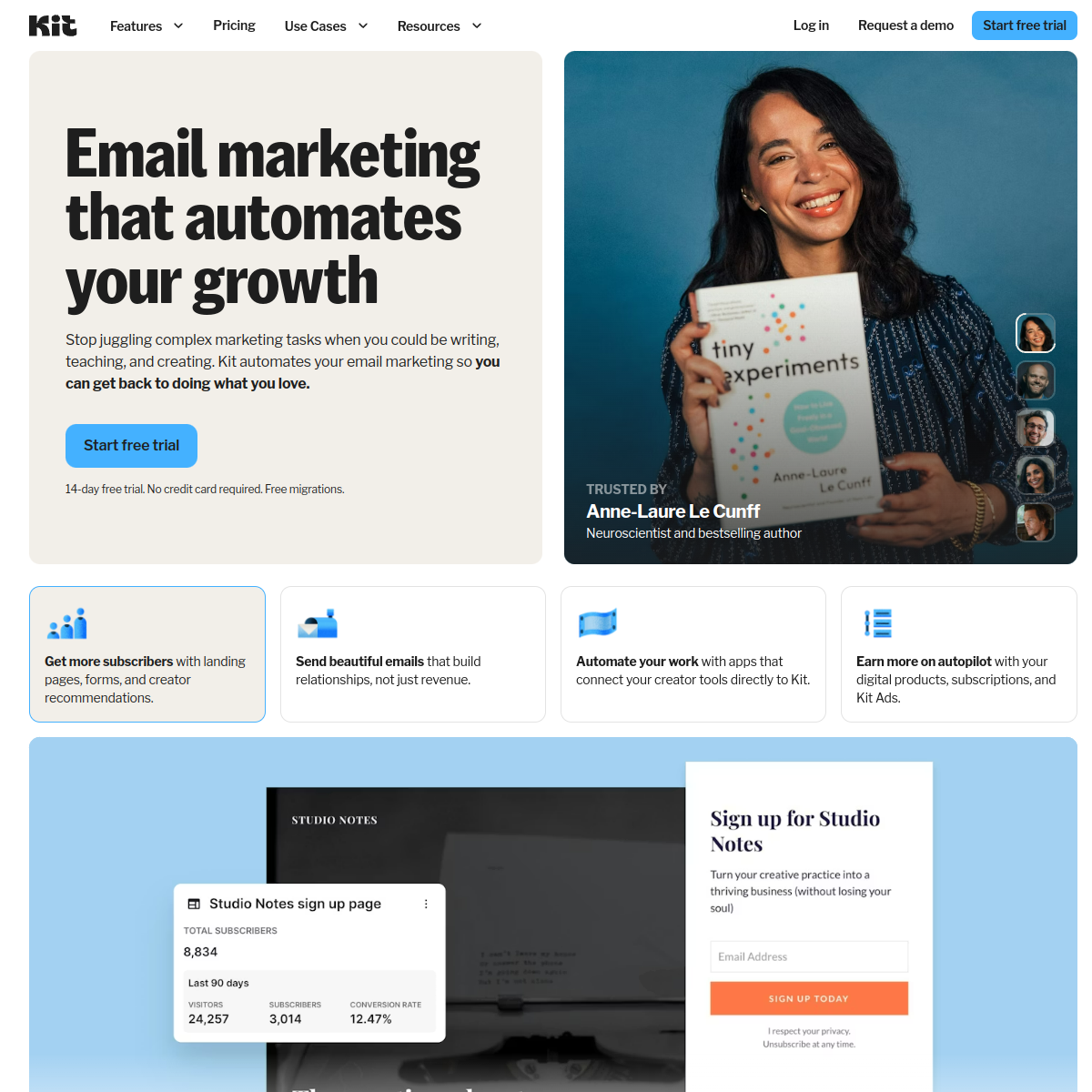
Kit is oriented around creators, digital products, subscribers, tags, sequences, and broadcasts. Its API v4 supports broadcasts, filters, HTML, bulk operations, tags, custom fields, and purchase data.
Kit works well when the “company” behind a signup is a creator business, course, community, or small media brand rather than a complex B2B account.
What to watch: Tags often control sequence entry. Treat tag mutations that trigger email as send-equivalent actions and preview their downstream effects.
14. beehiiv: best for newsletter publishers
beehiiv is a publishing and newsletter-growth platform rather than a general lifecycle engine. Its API supports publications, subscriptions, custom fields, segments, and integrations with external acquisition systems.
For AI-assisted workflows, beehiiv is most useful on the research and preparation side: analyzing the audience, enriching sponsor or partner records, developing issue briefs, and keeping subscriber data synchronized.
What to watch: Do not assume every publishing or send action is available on every plan or API surface. Design the workflow to fall back to a human-created draft in the beehiiv editor.
15. Postmark: best for separating transactional and broadcast traffic
Postmark makes an architectural distinction that is valuable for agent safety: Transactional Message Streams are for expected one-to-one messages, while Broadcast Message Streams cover newsletters and announcements. Broadcast streams require unsubscribe management. Its APIs also cover templates, suppressions, analytics, and webhooks.
Postmark is best when developers want reliable delivery primitives and are willing to build journey logic elsewhere.
What to watch: Stream separation helps, but it does not decide whether your content is legally transactional. Make that determination in policy and code before the agent selects a template.
16. Twilio SendGrid: best for high-volume API plus campaign tooling
Twilio SendGrid offers both an Email API and Marketing Campaigns, with contacts, segments, templates, automations, suppressions, SDKs, and event webhooks. This breadth supports everything from application mail to large marketing programs.
What to watch: SendGrid supports API flags that can bypass suppression lists. An AI agent should never control those flags. Remove them from your tool schema and reject them server-side even if the model somehow supplies them.
17. Amazon SES: best for teams building the entire control plane themselves
Amazon Simple Email Service is infrastructure, not a lifecycle marketing workspace. It provides APIs for sending, templates, configuration sets, identities, reputation controls, suppression lists, and event publishing through AWS services.
SES is a strong foundation when your team wants maximum architectural control and already has the engineering capacity to build audience management, consent, orchestration, rendering, analytics, and approvals. Configuration sets and message tags can connect delivery events back to the exact onboarding workflow and context version.
What to watch: Do not give an agent ses:SendEmail or ses:SendBulkEmail directly. Expose a narrow internal action that accepts an approved template ID, eligible recipient ID, context version, and idempotency key.
Build an automatically branded onboarding agent with Context.dev
A useful workflow starts with a staged context pipeline, typed inputs, and explicit delivery checkpoints. Asking an agent to “email this person” is too broad. Asking it to create a draft from an approved company profile gives it both better inputs and a safer boundary.
Imagine a user signs up with maya@acme.com. Your application can derive acme.com, retrieve its visual identity, and extract the exact website facts the onboarding agent needs:
import ContextDev from 'context.dev';

const context = new ContextDev({
	apiKey: 'YOUR_API_KEY',
});

const signupEmail = 'maya@acme.com';
const domain = signupEmail.split('@')[1];

if (!domain) {
	throw new Error('A work email with a valid domain is required');
}

const [brandResponse, websiteResponse] = await Promise.all([
	context.brand.retrieve({
		domain,
		type: 'by_domain',
	}),
  context.web.answers({
    task: `Research ${domain}: summarize its product, audience, use cases, and public proof points. Use only facts supported by its website.`,
    mode: 'fast',
    json_format: {
      productSummary: '',
      targetAudience: '',
      relevantUseCases: [''],
      proofPoints: [''],
    },
  }),]);

const { brand } = brandResponse;
if (!brand) throw new Error(`No brand matched ${domain}`);

const onboardingContext = {
	companyName: brand.title,
	companyDescription: brand.description,
	industry: brand.industries?.eic?.[0]?.industry,
	logoUrl: brand.logos?.find((logo) => logo.mode === 'light')?.url,
	colors: brand.colors?.slice(0, 3).map((color) => color.hex),
	website: websiteResponse.json_content,
	sources: websiteResponse.sources,
	partial: websiteResponse.partial ?? false,
	sourceDomain: domain,
	retrievedAt: new Date().toISOString(),
};
This single profile can brand the email template with the company's logo and colors while grounding the copy in its actual product, audience, use cases, and proof points. You can extend it with Context.dev screenshots, fonts, style-guide data, or clean Markdown from specific pages when the workflow needs more visual or textual context.
Do not pass every raw response into every model call. Store the source domain, retrieval time, and selected fields so the output is explainable and refreshable. Treat missing fields as unknown rather than asking the model to infer them.
Then give the agent a bounded task:
Draft a three-email onboarding sequence for this approved product goal. Use only the supplied company facts. If industry or product fit is missing, use the generic version. Do not create recipients, enroll subscribers, schedule, or send.
The agent should return structured content rather than perform delivery:
{
	"status": "draft",
	"audiencePolicy": "new_work_email_signups_with_marketing_consent",
	"emails": [
		{
			"delayHours": 0,
			"subject": "A faster start for Acme",
			"templateId": "onboarding-welcome-v3",
			"personalization": {
				"companyName": "Acme",
				"industry": "Software",
				"logoUrl": "https://...",
				"primaryColor": "#5B5BD6",
				"productSummary": "Workflow software for operations teams",
				"relevantUseCase": "Coordinate customer onboarding",
				"proofPoints": ["Reduces manual handoffs"]
			}
		}
	]
}
Only after schema validation, preview rendering, policy checks, and human approval should a more privileged service create or activate the sequence in your chosen email tool.
How teams use Context.dev in email workflows today
This architecture is already running inside email and messaging products:
- Sequenzy integrated Context.dev's core brand data in about five minutes. Its users can automatically apply company colors, logos, social links, addresses, features, and testimonials when creating marketing emails.
- Monkeflow replaced Firecrawl with Context.dev in under an hour after testing roughly 20 scraping tools and working with three freelancers. Context.dev now powers the brand data behind its AI-generated email flows.
- Essence Retention brings brand profiles, style guides, screenshots, and scraped page content into AI-assisted email and SMS campaign workflows.
- Drip uses live website and brand context to shape each customer's drafting profile and enrich individual leads before its agents write replies and follow-ups.
The common pattern is not “let the model write an email.” It is “turn the relevant website into an approved context object, then let the model write from that.”
What to automate first
The safest rollout order is usually:
- Read-only analysis: Let the agent inspect approved campaign metrics, templates, and journey state.
- Context enrichment: Resolve work domains with Context.dev and store an allowlisted profile with a generic fallback.
- Draft creation: Let the agent propose subject lines, blocks, segments, and sequences in draft state.
- Test delivery: Permit test sends only to verified internal addresses.
- Human-approved activation: Require a person to approve the audience, content, schedule, and expected recipient count.
- Narrow event automation: Allow trusted product events to enroll eligible subscribers in an already-approved journey.
- Controlled optimization: Let the agent propose variants or timing changes, with limits and rollback.
Bulk audience changes, suppression overrides, sender-domain changes, and direct unrestricted sends should remain outside the default agent role.
Safety checklist for any platform
Before connecting an AI agent to an email tool, verify that your implementation can answer “yes” to these questions:
- Does the agent use a dedicated, scoped credential?
- Can it create a draft without scheduling or sending?
- Is live delivery a separate tool or permission?
- Are recipient eligibility and consent checked outside the model?
- Are unsubscribe, complaint, and bounce states enforced by code and the provider?
- Can retries occur without duplicate enrollment or delivery?
- Are recipient estimates and test renders available before approval?
- Are all mutations logged with actor, inputs, tool, and result?
- Can an operator pause or cancel a campaign quickly?
- Is Context.dev enrichment cached, timestamped, allowlisted, and optional?
- Does missing or ambiguous context produce a generic fallback rather than a guess?
- Are free, disposable, personal, and privacy-sensitive email addresses handled appropriately?
- Can the agent read analytics without gaining write or send permissions?
If any answer is “no,” narrow the tool surface before increasing autonomy.
Which email marketing tool should you choose?
Start with Context.dev when the goal is to automatically brand and ground the agent for each company it encounters. It gives the agent reusable visual, company, product, and website context regardless of which email platform ultimately delivers the message.
Choose Sequenzy when you want the email platform itself to be directly operable through AI agents, with MCP-based workflows and safer access presets.
Choose Resend, Postmark, SendGrid, or Amazon SES when developers want to own the orchestration and policy layer. These tools offer strong delivery primitives, but the safety boundary is mostly yours to build.
Choose Customer.io or Loops for SaaS onboarding driven by product events. Customer.io offers deeper journey logic. Loops keeps the operating model smaller.
Choose Klaviyo for ecommerce, Braze or Iterable for enterprise cross-channel lifecycle programs, and HubSpot when CRM governance matters more than developer elegance.
Choose Mailchimp, ActiveCampaign, Brevo, or MailerLite when an established marketing team needs a visual workspace alongside APIs. Choose Kit or beehiiv when the business is built around creators or publishing.
Context.dev and the tools in this roundup are not competing parts of the stack. Context.dev sits upstream: it turns the web into context the agent can use. The email platform sits downstream: it turns an approved draft into a governed delivery workflow.
A good AI email stack combines live web context with small permissions, visible drafts, trustworthy audience rules, and deliberate human control. Create a free Context.dev account or read the API documentation to build the context layer, then connect it to the execution platform that fits your team.
Frequently asked questions
What is the best email marketing tool for AI agents?
Sequenzy is the strongest fit for agent-operated lifecycle marketing, while Resend is a good choice for developer-owned delivery and Customer.io or Loops work well for product-led SaaS journeys. The best choice depends on the actions the agent needs to perform and the controls your team needs around delivery.
How do you automatically brand an AI email agent?
Resolve the user's work email or company domain with Context.dev, select the approved logos, colors, fonts, company details, product facts, and website content, then store that profile as input to the agent. The agent can reuse the profile for copy and visual templates without guessing what the company does or how it should look.
Is Context.dev an email marketing platform?
No. Context.dev is the web-context layer that runs before generation and delivery. It supplies live brand, company, product, and website data; tools such as Sequenzy, Resend, Customer.io, or Klaviyo manage subscribers, consent, journeys, and sending.
Should an AI agent be allowed to send email automatically?
Start with enrichment and draft creation. Permit live delivery only through a separate, narrowly scoped action that checks consent, suppressions, audience eligibility, idempotency, and sending limits outside the model. Keep bulk campaigns and high-impact changes behind explicit approval.